Motiond
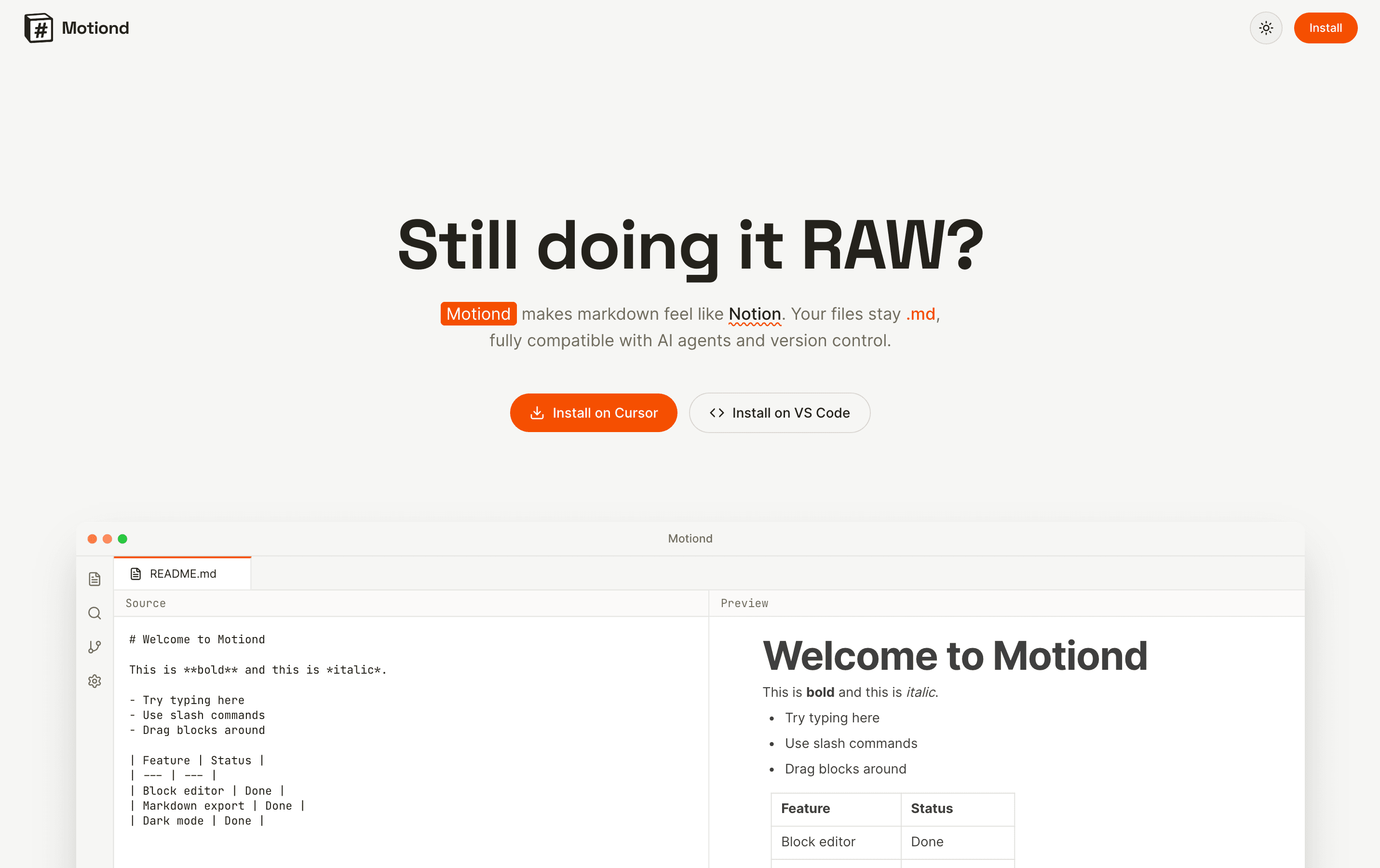
An IDE extension that give markdown file the Notion-style editing experience
Motiond
An IDE extension that give markdown file the Notion-style editing experience
Background
I was vibe coding in Cursor when I noticed a problem: markdown files were everywhere — prompts, documentation, planning notes - but editing them was painful for anyone without a technical background.
Raw markdown syntax is like a new coding language, you have to consider about indentation, spacing, and all sort of symbols just to write a bullet list or h3 heading. I wanted to fix this. Markdown is too important in AI workflows to be a barrier. It should feel like writing a normal document, not programming.
Inspiration
The best document editing tool I've ever used is Notion. It is something about the block model and slash commands that make eevrything so intuitive and effortless. I wanted to bring that same ease to markdown editing inside the IDE.
Solution
Motiond is a IDE Code extension that replaces the default markdown editor with a visual, block-based interface. You can edit your markdown files as if you are in Notion, while your file remains standard markdown format underneath, so it works with git, AI tools, and any other editor.
Features
- Slash Commands — Type '/' to insert headings, lists, tables, code blocks, quotes, or images
- Drag & Drop — Reorder blocks by dragging them around
- Syntax Highlighting — 20+ programming languages with automatic theme matching
- Real-Time Sync — Every edit saves instantly to your markdown file
- Theme Support — Automatically follows VS Code's light/dark theme
- Image Handling — Upload or paste images; stored locally in your project
Tech Stack
- VS Code Extension API — Custom Editor Provider for markdown files
- React 18 + TypeScript — Frontend framework and type safety
- BlockNote — Visual block editor built on Prosemirror and Tiptap
- Shiki — Syntax highlighting engine with 20+ language grammars
- esbuild — Fast bundling for extension and webview code